ARKit / Wi‑Fi / 5G Visualization

Signal, made visible.

Visualize Wi‑Fi and cellular signal strength as spatial, AR‑style feedback around you. No LiDAR needed — iOS 17+ is enough.

LIVE_SCAN · SIGNAL_FIELD
Signal score
98
-54 dBm · 5GHz
RSSI
≈ -54 dBm
Score
OK
SCANNING…
Wi‑Fi Connected
Scroll down · Discover more
Spatial Scan Enabled
Scan as you walk
Where you walk is where results appear — strong/weak spots, response changes, and stability trends at a glance.
Current signal
-46 dBm
Mode
AR
Metrics
Responsiveness
SCROLL_TO_ZOOM

Inside the app.

A quick look at AR scanning, history, speed testing, and heatmap results.

AR Scan
Live hotspots placed into your space as you walk.
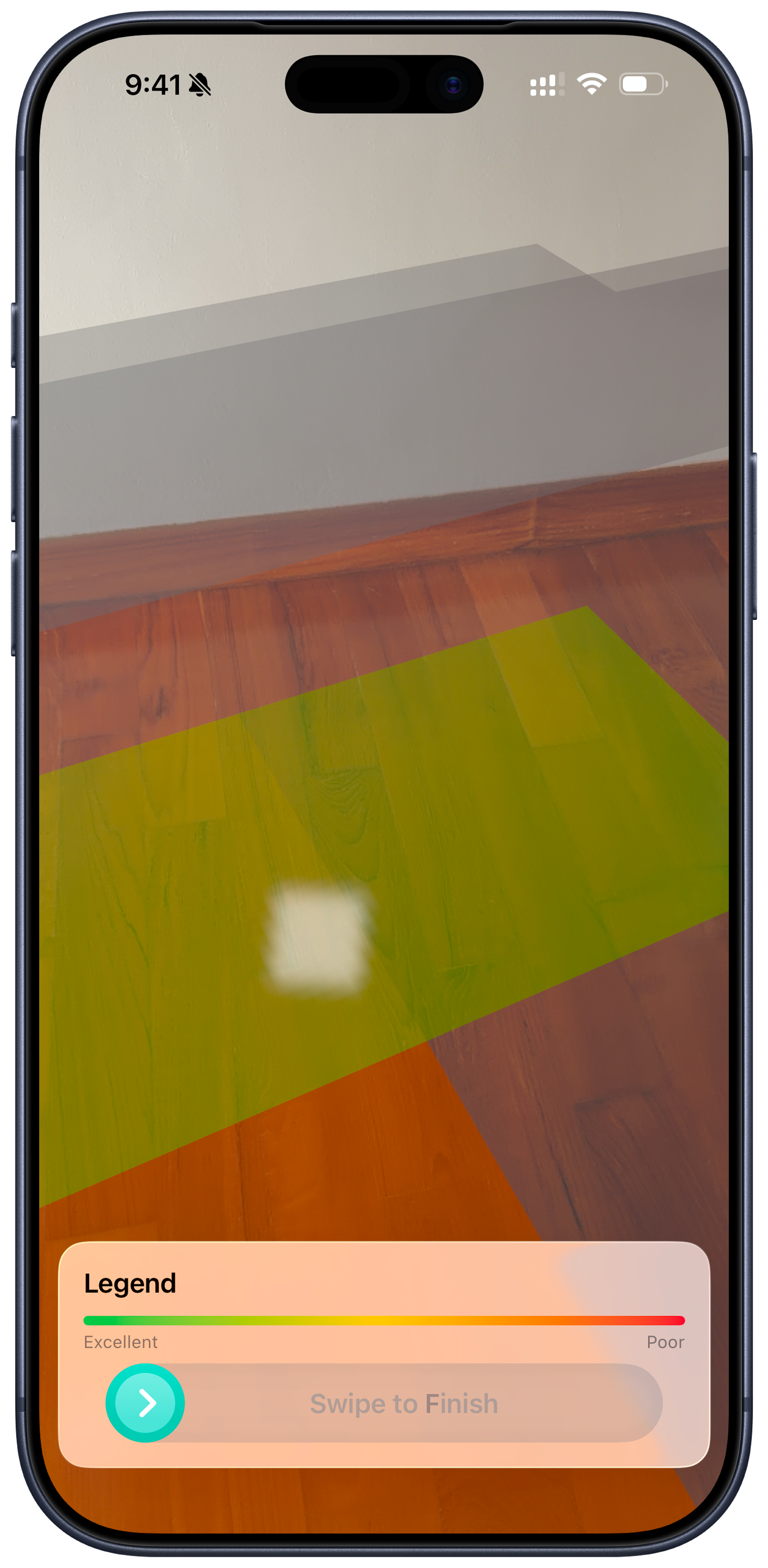
Signal AR screenshot - AR scan
Download Test
Measure real download speed with a simple test run.
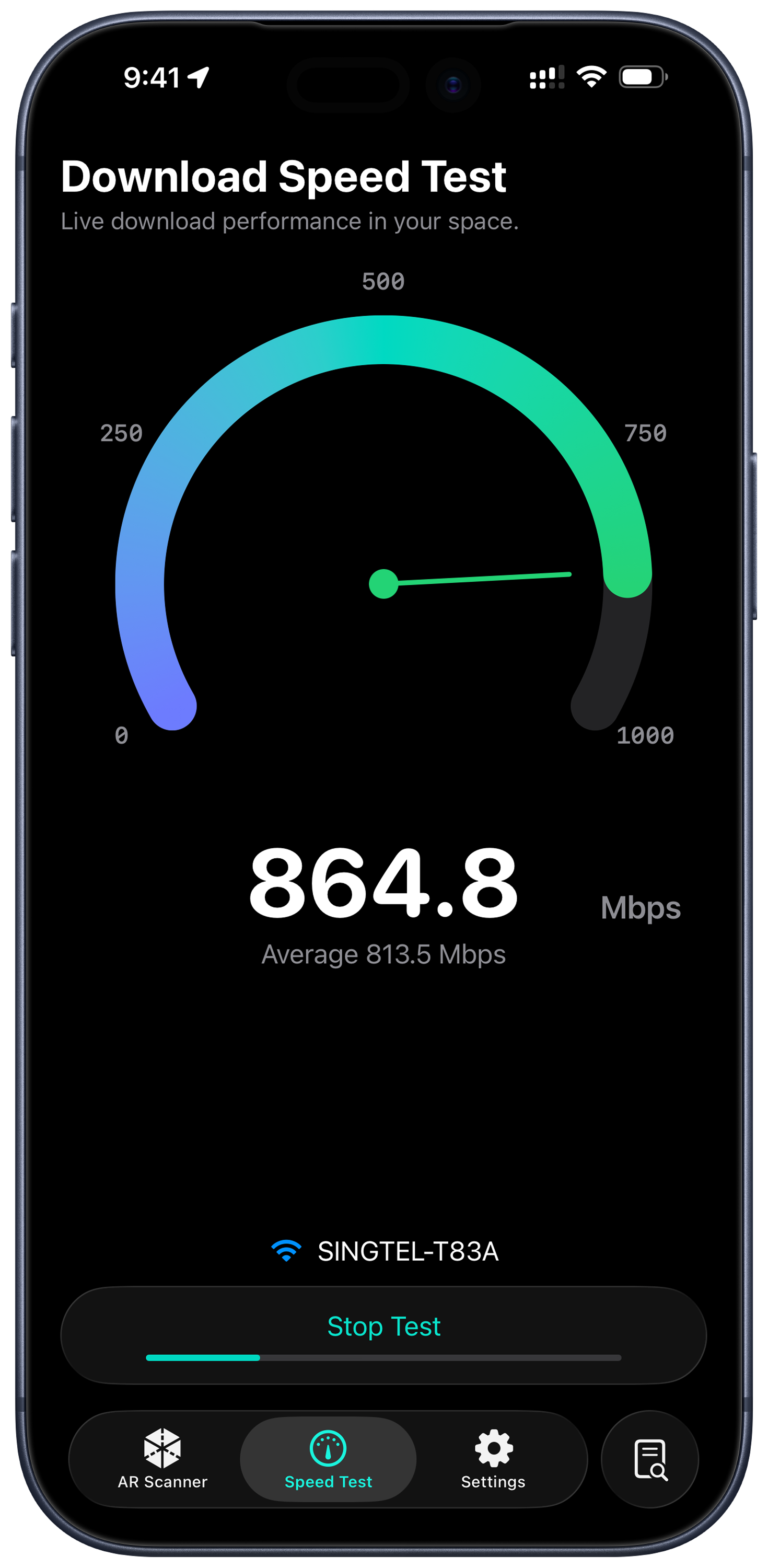
Signal AR screenshot - download speed test
Heatmap
Visualize strong and weak zones across your room.
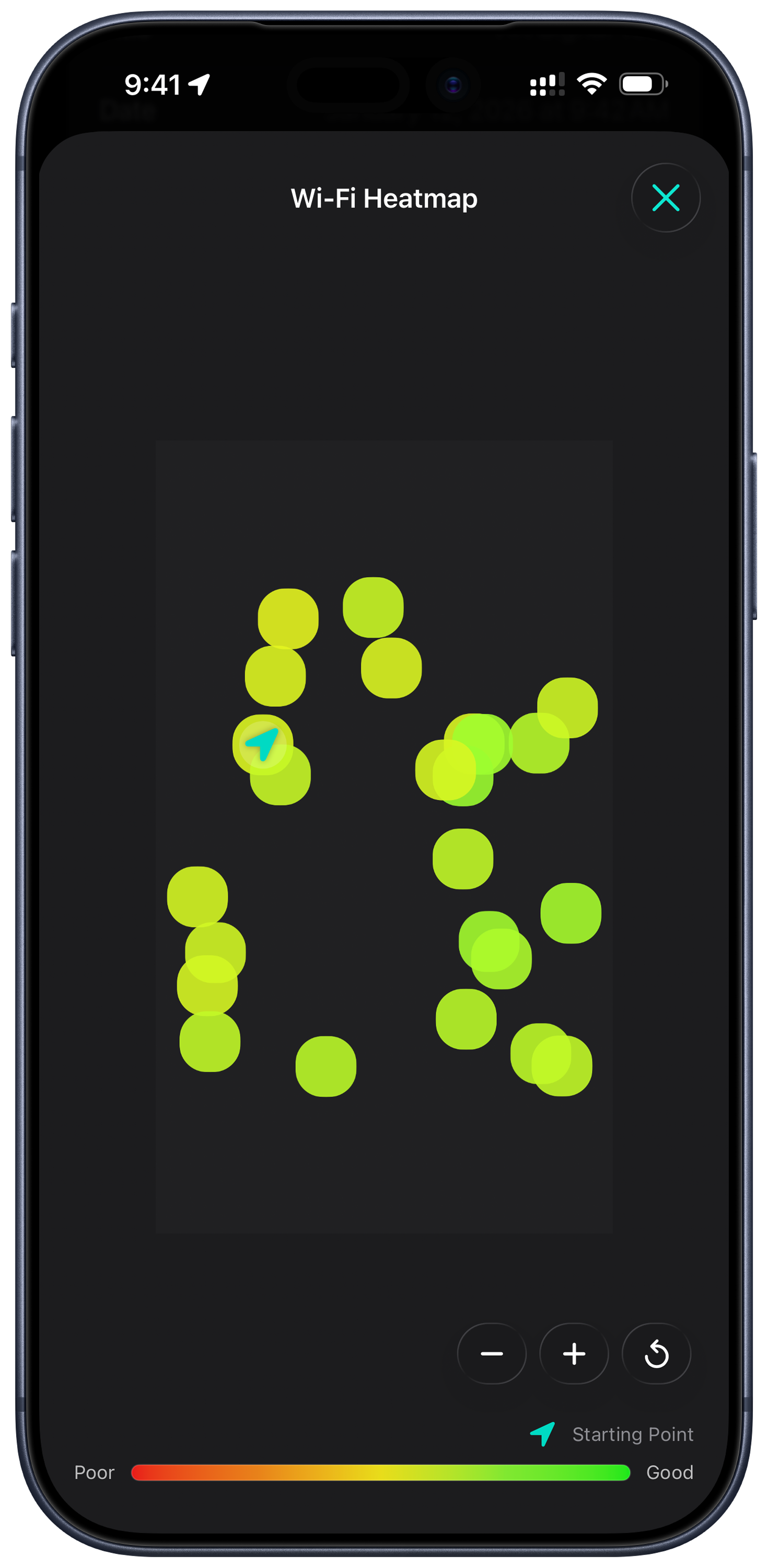
Signal AR screenshot - heatmap
History
Review scans, compare spots, and re-test quickly.
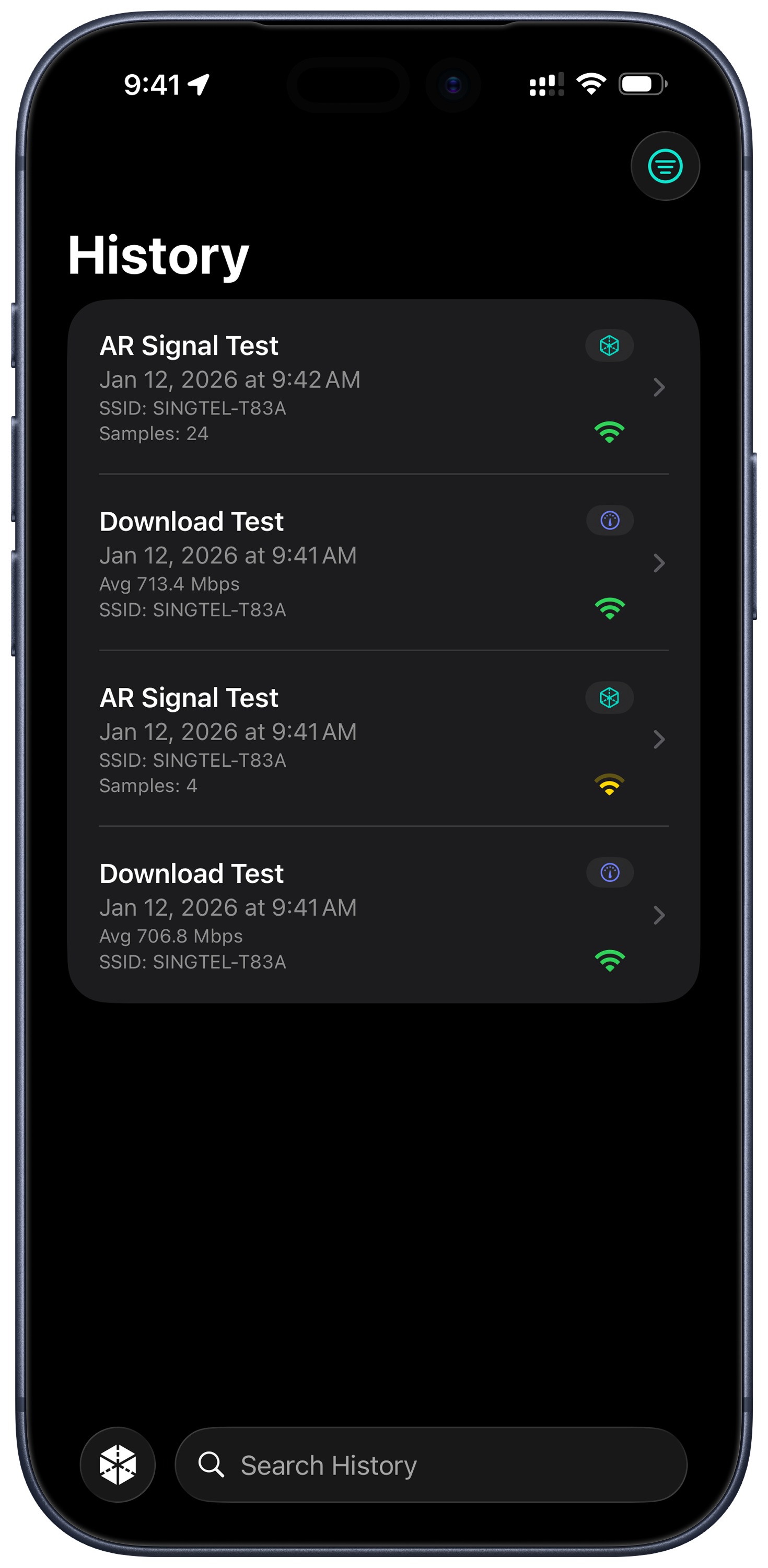
Signal AR screenshot - history
Details
See signal strength and context at a glance.
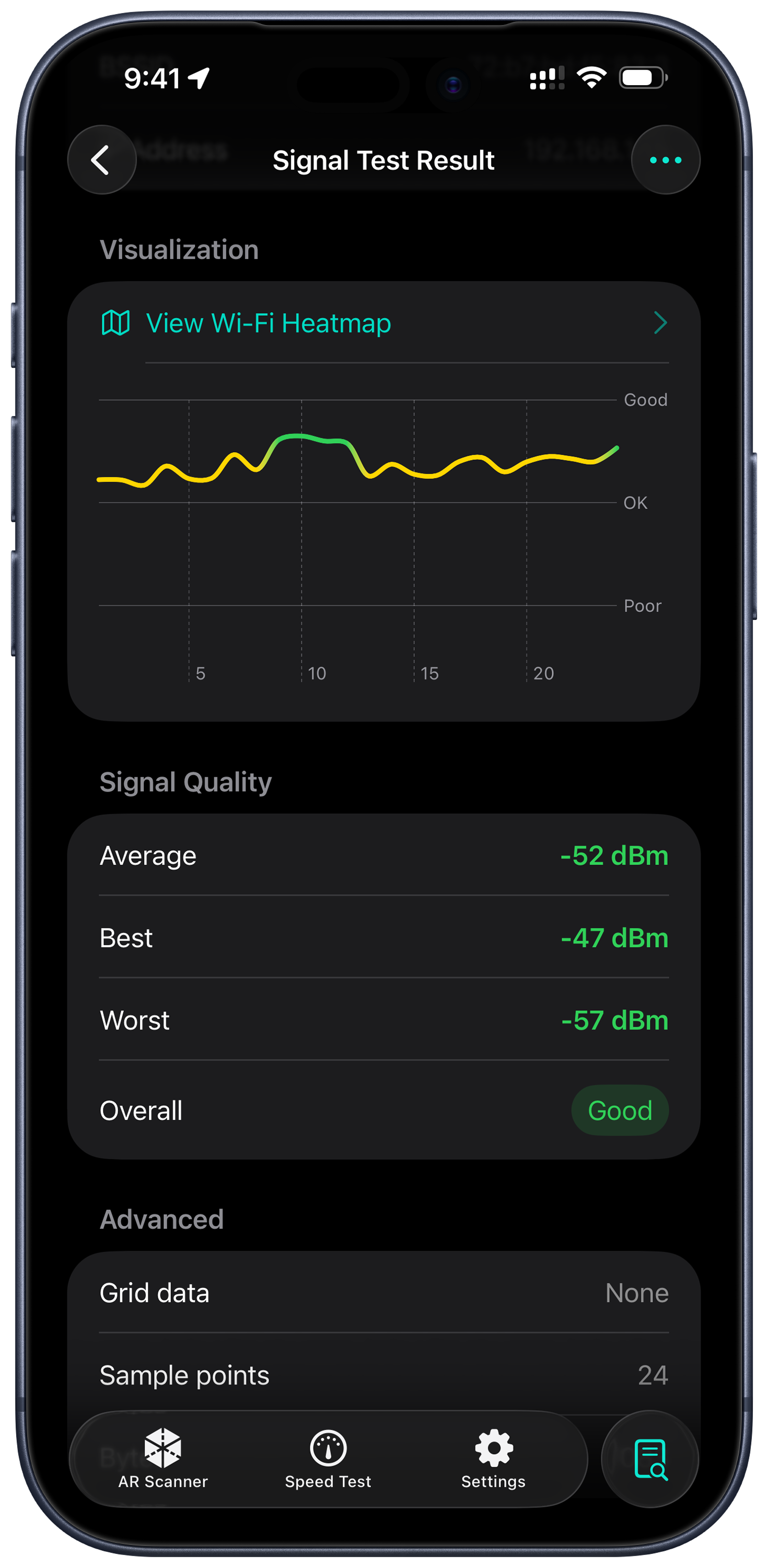
Signal AR screenshot - details

AR spatial signal mapping

Stop guessing router placement. Signal AR lets you see how signal spreads through a room — where it’s strong, where it drops, and what needs improvement.

1
Walk slowly along walls and corners with your phone.
2
Generate hotspots in real time and auto-grade them (Excellent / OK / Poor).
Signal_Density_Chart
Segmented gradient: Green (Good) / Yellow (OK) / Red (Poor).
Excellent
OK
Poor

More than a speed test.

Built for people who care about real‑world network quality.

Wi‑Fi & Cellular

Switch what you test in one tap — from Wi‑Fi 6/6E/7 to outdoor 5G.

Auto Detect No extra hardware

Real‑world testing

Simulate web loads and real requests to show how the network behaves under pressure.

Download
95 Mbps
Score
OK · based on RSSI
Designed for real people

No jargon.

Excellent
OK
Poor

When it matters, you need Signal AR.

Work from home

Find the best desk spot

Scan your space to find the strongest coverage. Keep video calls stable and clear.

Dead Zone
DEAD_ZONE_DETECTED
Gaming

Check real responsiveness

Before ranked matches, run an optional response test and stability check. Avoid stutters and disconnects.

Dead Zone
READY_FOR_GAMING

Start scanning.

iOS 17+ · No LiDAR needed

© 2026 Signal AR